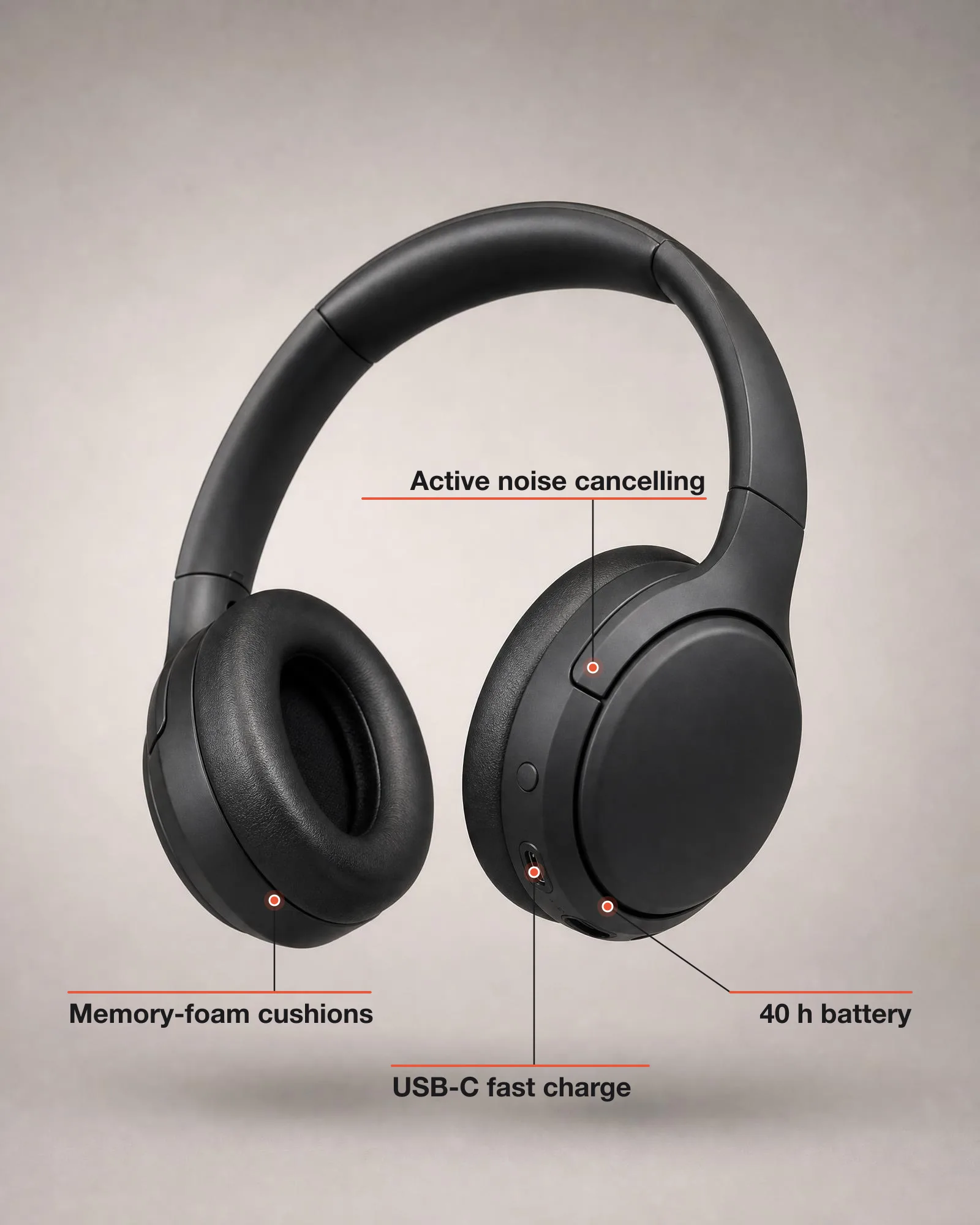
Feature callout infographic
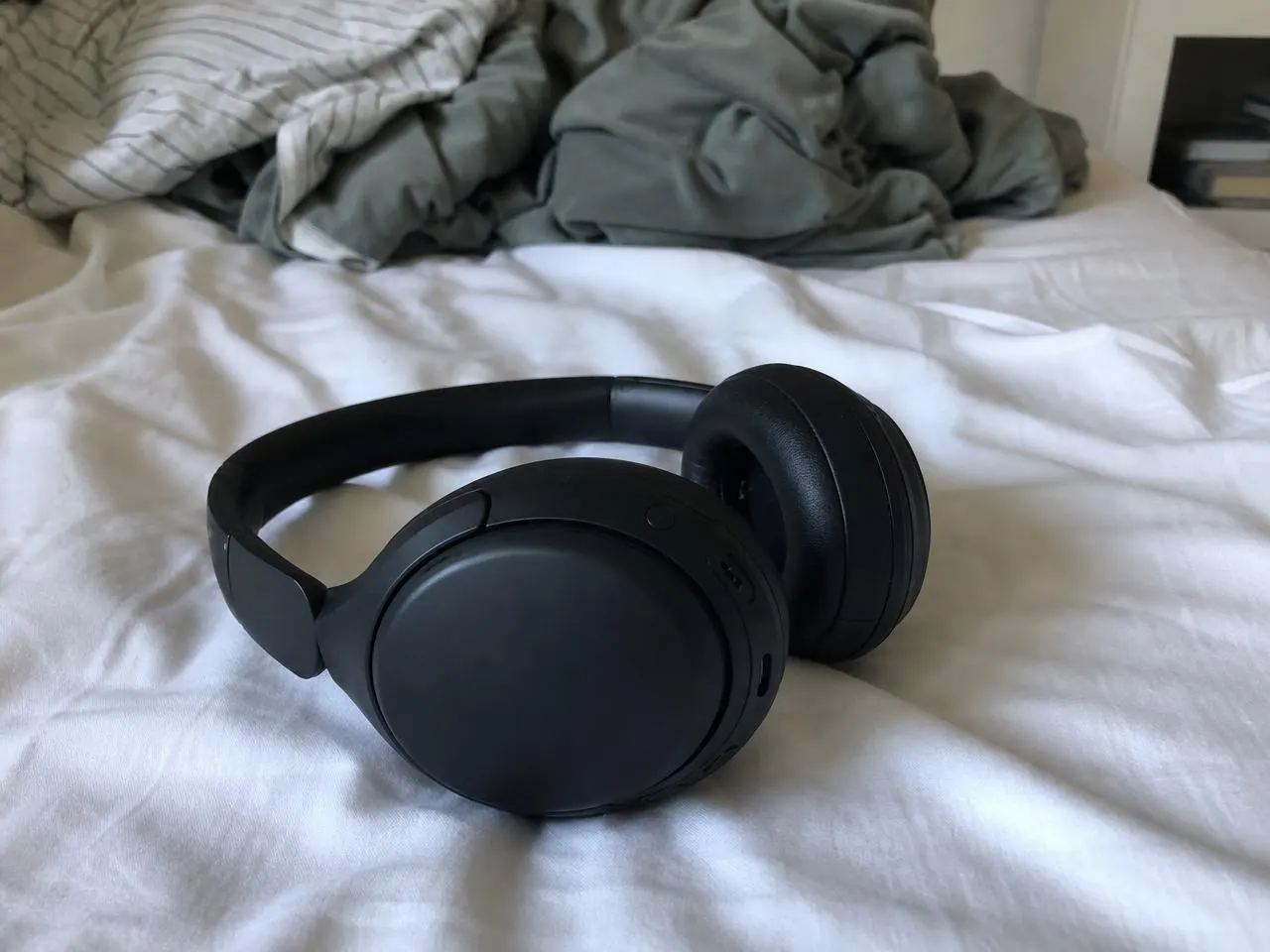
Feature callout infographic
Show a product's best features with exact, brand-coloured callouts.
Free. Works in Claude Code, Codex and Cursor.
How it works
What you bring
A product photo and 3 to 6 feature labels.
What your agent does
Your agent reads the Skill, runs its scripts on your machine and sends the request to an image model.
What you get
A 4:5 and a 1:1 infographic image.
Before you start
- You need
- Node.js 20.9 or newer (sharp's floor); sharp (run npm install sharp in the Skill folder) for scripts/add-callouts.mjs; your own FAL_KEY or any compatible image editor for the clean studio photo.
- Cost per run
- The image-edit model charges per image (about $0.20 at the default settings, billed to your own fal account). The callout step runs locally and is free.
- Makes
- Still image, 4:5 or 1:1
- Version
- 1.0.0, updated 16 Oct 2026
History
- 1.0.0Current
- Made by
- Meleon AIOfficial, tested end to end
Install
mkdir -p ~/.claude/skills && curl -fsSL https://meleon.ai/downloads/feature-callout-infographic.zip -o /tmp/feature-callout-infographic.zip && unzip -o /tmp/feature-callout-infographic.zip -d ~/.claude/skillsThen ask Claude Code: /feature-callout-infographic my headphones photo, callouts: 40 h battery, Active noise cancelling, Memory-foam cushions, USB-C fast charge
mkdir -p ~/.agents/skills && curl -fsSL https://meleon.ai/downloads/feature-callout-infographic.zip -o /tmp/feature-callout-infographic.zip && unzip -o /tmp/feature-callout-infographic.zip -d ~/.agents/skillsThen ask Codex: $feature-callout-infographic my headphones photo, callouts: 40 h battery, Active noise cancelling, Memory-foam cushions, USB-C fast charge
mkdir -p ~/.cursor/skills && curl -fsSL https://meleon.ai/downloads/feature-callout-infographic.zip -o /tmp/feature-callout-infographic.zip && unzip -o /tmp/feature-callout-infographic.zip -d ~/.cursor/skillsThen ask Cursor: /feature-callout-infographic my headphones photo, callouts: 40 h battery, Active noise cancelling, Memory-foam cushions, USB-C fast charge
Inside the Skill
10 files. Open any of them to read it before you install.