Product ad headline
ImageSocial posts & covers
Product ad headline
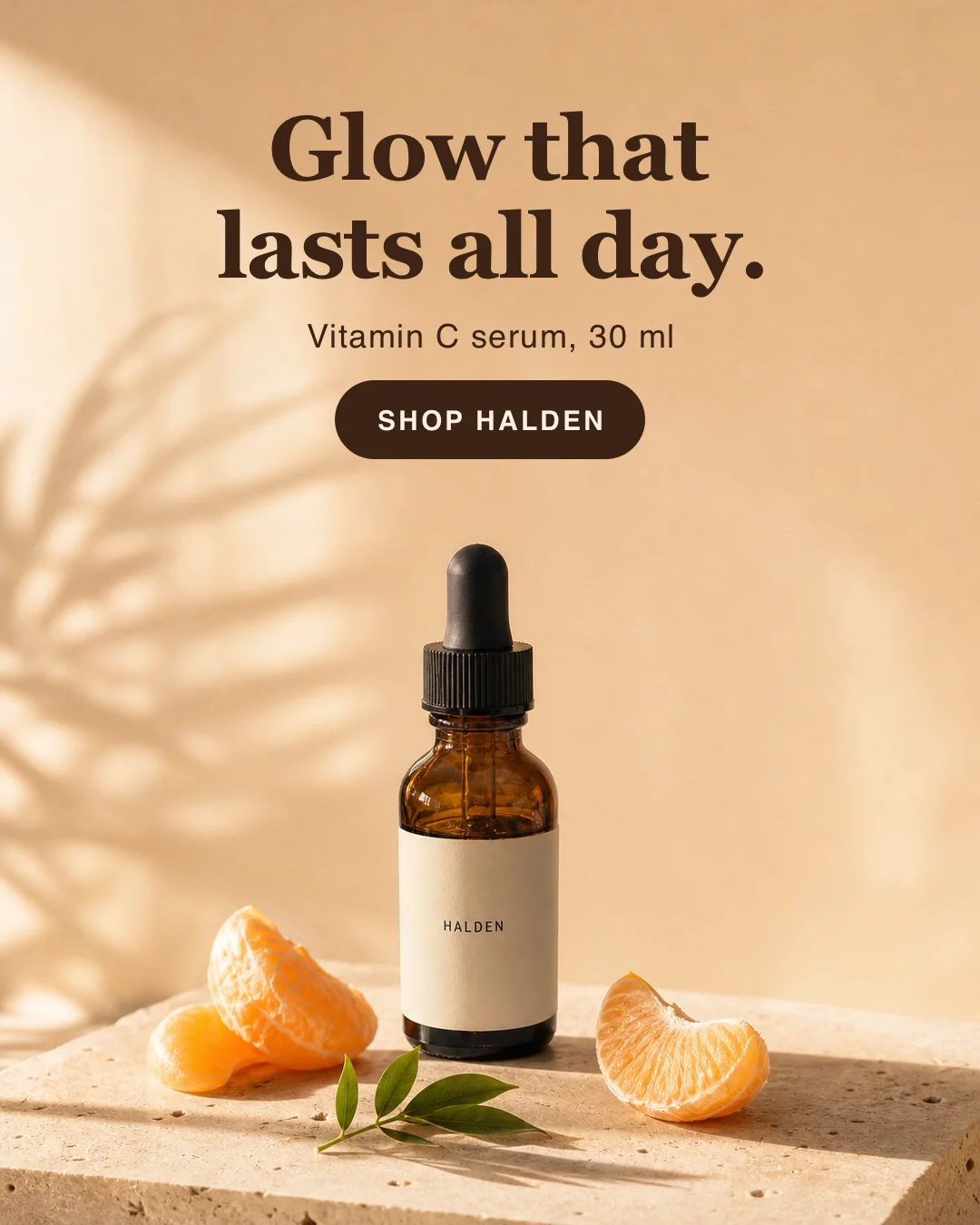
Turn a product photo into a finished ad with exact headline text.
Free. Works in Claude Code, Codex and Cursor.
How it works
What you bring
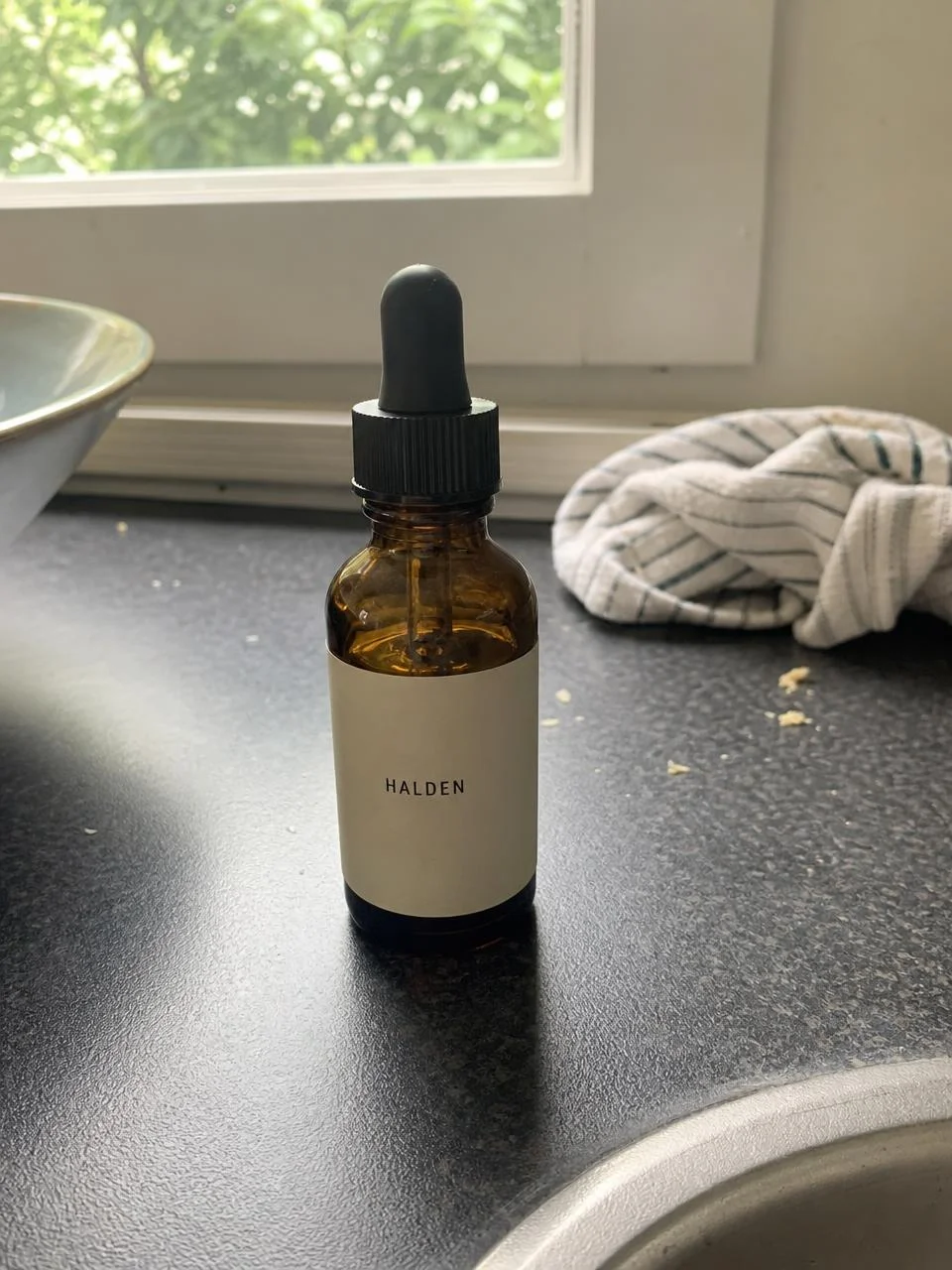
Product photo, plus headline, sub-line and button text.
What your agent does
Your agent reads the Skill, runs its scripts on your machine and sends the request to an image model.
What you get
PNG: 1:1, 4:5 and 9:16 ad.
Before you start
- You need
- Node.js 20.9 or newer and the sharp package (run
npm install sharpin the Skill folder) for the text step; an image-edit model (the fal model named below with your own FAL_KEY, or any GPT-Image-class editor). - Cost per run
- The image-edit model charges per image, about $0.07 at the default settings (about $0.15 with the nano-banana-pro alternative). The text step runs locally and is free.
- Makes
- PNG ad, 1:1, 4:5 or 9:16
- Version
- 1.0.0, updated 16 Oct 2026
History
- 1.0.0Current
- Made by
- Meleon AIOfficial, tested end to end
Install
mkdir -p ~/.claude/skills && curl -fsSL https://meleon.ai/downloads/product-ad-headline.zip -o /tmp/product-ad-headline.zip && unzip -o /tmp/product-ad-headline.zip -d ~/.claude/skillsThen ask Claude Code: /product-ad-headline my serum photo, headline "Glow that lasts all day.", button "Shop Halden"
mkdir -p ~/.agents/skills && curl -fsSL https://meleon.ai/downloads/product-ad-headline.zip -o /tmp/product-ad-headline.zip && unzip -o /tmp/product-ad-headline.zip -d ~/.agents/skillsThen ask Codex: $product-ad-headline my serum photo, headline "Glow that lasts all day.", button "Shop Halden"
mkdir -p ~/.cursor/skills && curl -fsSL https://meleon.ai/downloads/product-ad-headline.zip -o /tmp/product-ad-headline.zip && unzip -o /tmp/product-ad-headline.zip -d ~/.cursor/skillsThen ask Cursor: /product-ad-headline my serum photo, headline "Glow that lasts all day.", button "Shop Halden"
Inside the Skill
9 files. Open any of them to read it before you install.