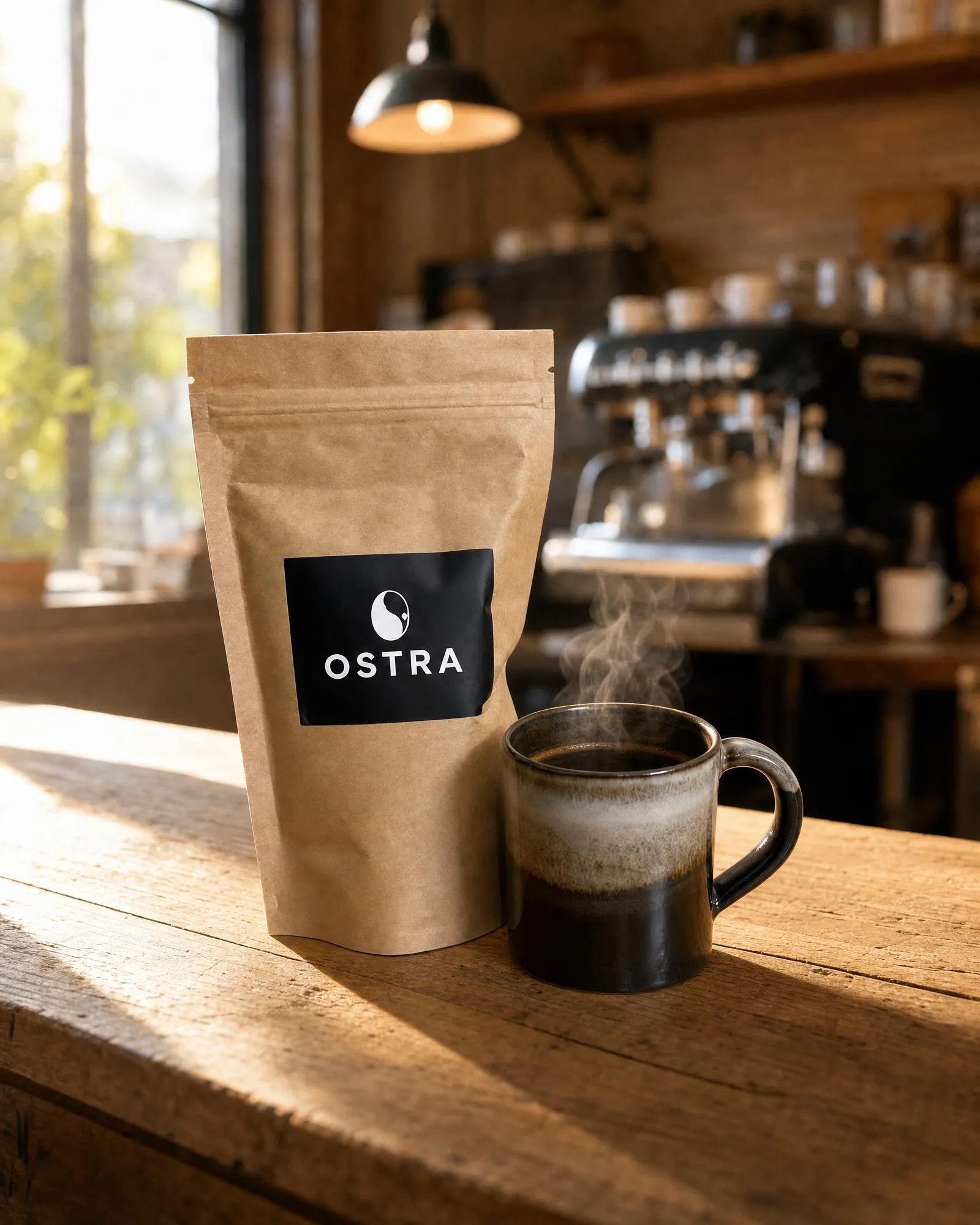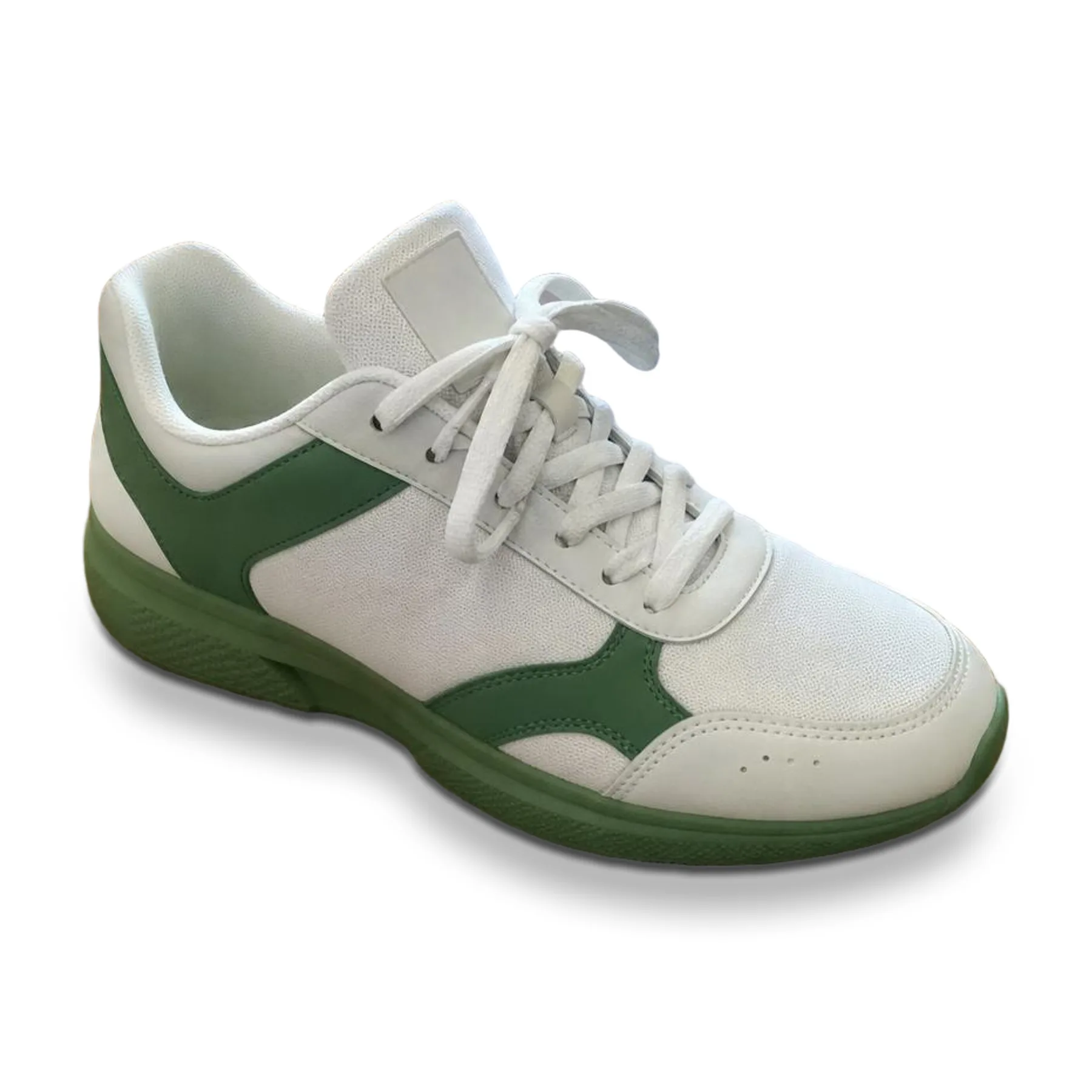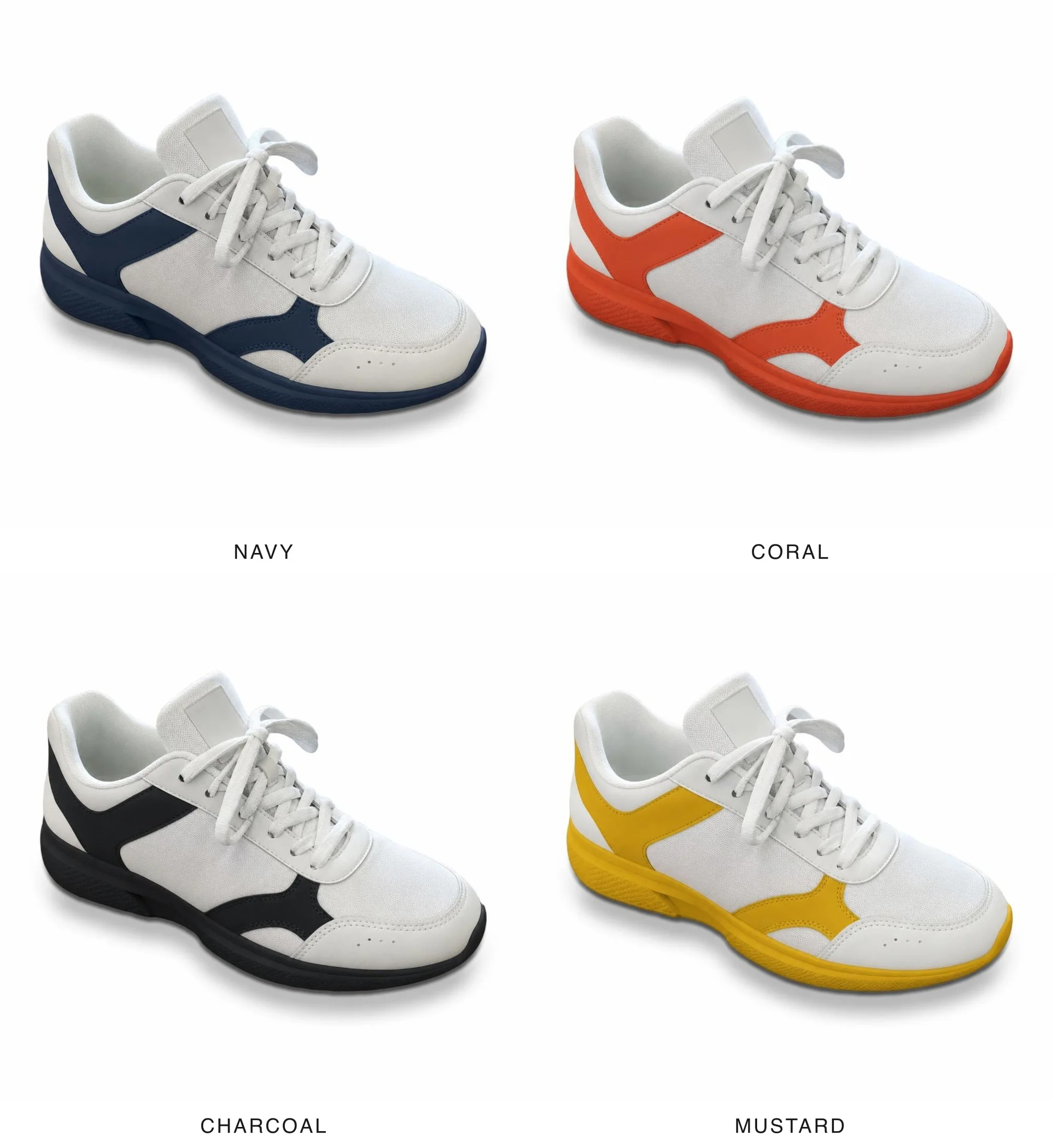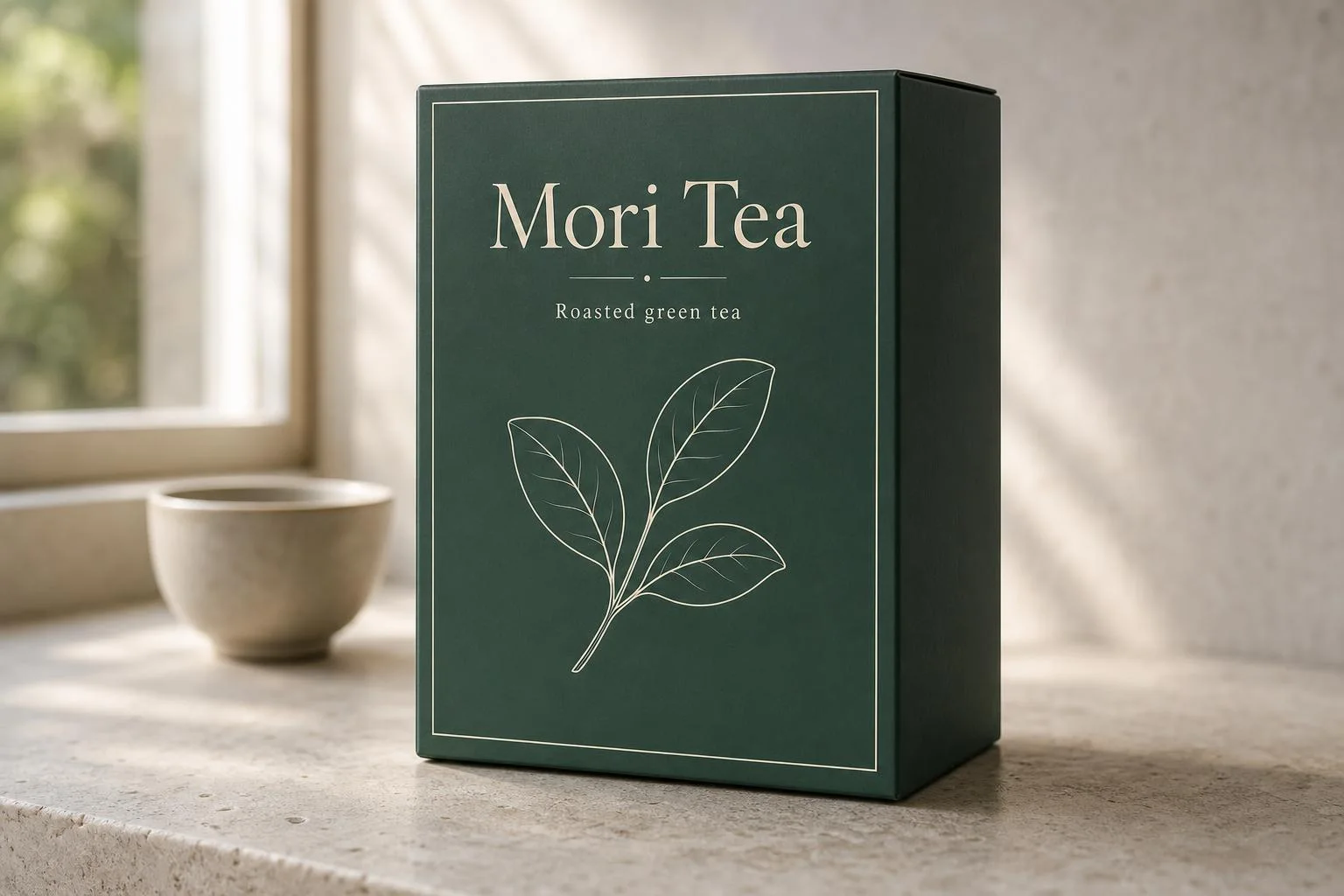
Packaging mockup
ImageProduct photos
Packaging mockup
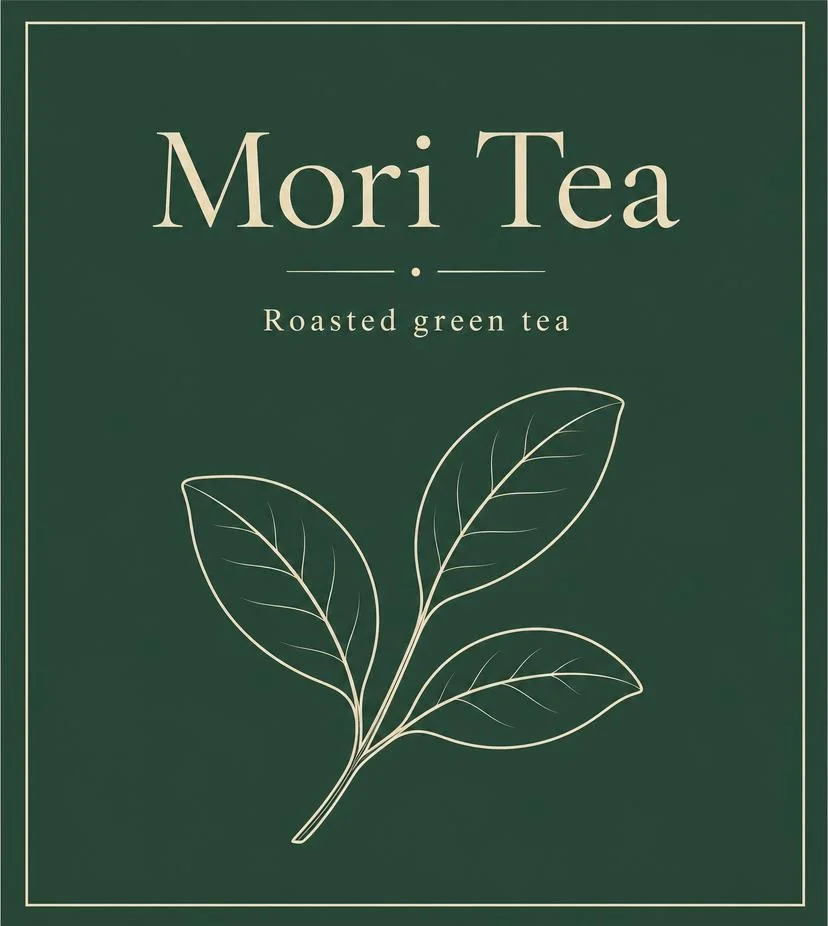
See your flat packaging art as a real, photographed product.
Free. Works in Claude Code, Codex and Cursor.
How it works
What you bring
Flat label or box art (front panel) and the package type.
What your agent does
Your agent reads the Skill, runs its scripts on your machine and sends the request to an image model.
What you get
One photoreal package image, 3:2, 2:3 or 1:1.
Before you start
- You need
- Node.js 18 or newer, only to run scripts/build-input.mjs; your own FAL_KEY or any compatible image editor.
- Cost per run
- The image-edit model charges per image (about $0.07 at the default settings, billed to your own fal account).
- Makes
- Still image, 3:2, 2:3 or 1:1
- Version
- 1.0.0, updated 16 Oct 2026
History
- 1.0.0Current
- Made by
- Meleon AIOfficial, tested end to end
Install
mkdir -p ~/.claude/skills && curl -fsSL https://meleon.ai/downloads/packaging-mockup.zip -o /tmp/packaging-mockup.zip && unzip -o /tmp/packaging-mockup.zip -d ~/.claude/skillsThen ask Claude Code: /packaging-mockup my label art on a tall tea carton, stone surface, window light
mkdir -p ~/.agents/skills && curl -fsSL https://meleon.ai/downloads/packaging-mockup.zip -o /tmp/packaging-mockup.zip && unzip -o /tmp/packaging-mockup.zip -d ~/.agents/skillsThen ask Codex: $packaging-mockup my label art on a tall tea carton, stone surface, window light
mkdir -p ~/.cursor/skills && curl -fsSL https://meleon.ai/downloads/packaging-mockup.zip -o /tmp/packaging-mockup.zip && unzip -o /tmp/packaging-mockup.zip -d ~/.cursor/skillsThen ask Cursor: /packaging-mockup my label art on a tall tea carton, stone surface, window light
Inside the Skill
8 files. Open any of them to read it before you install.