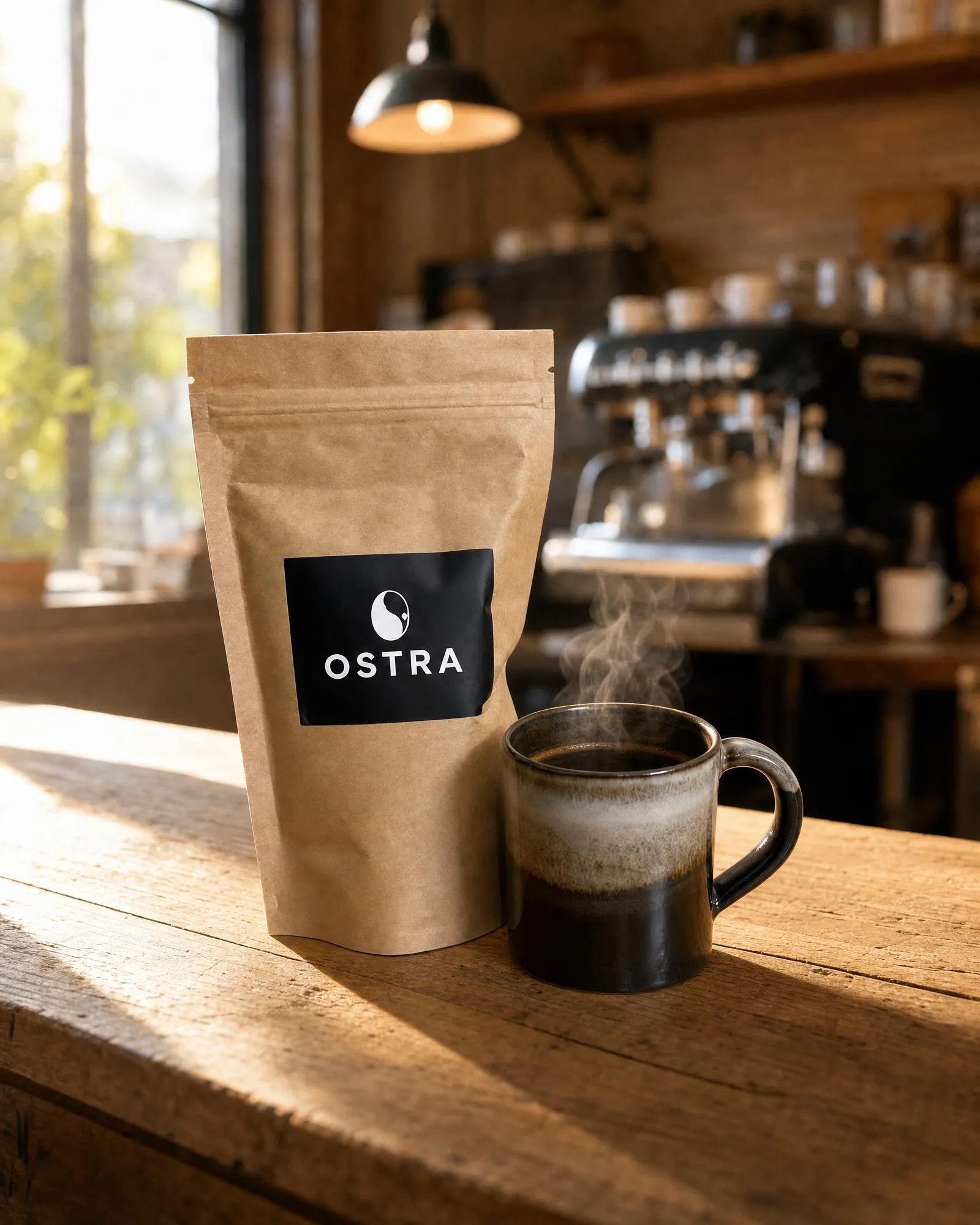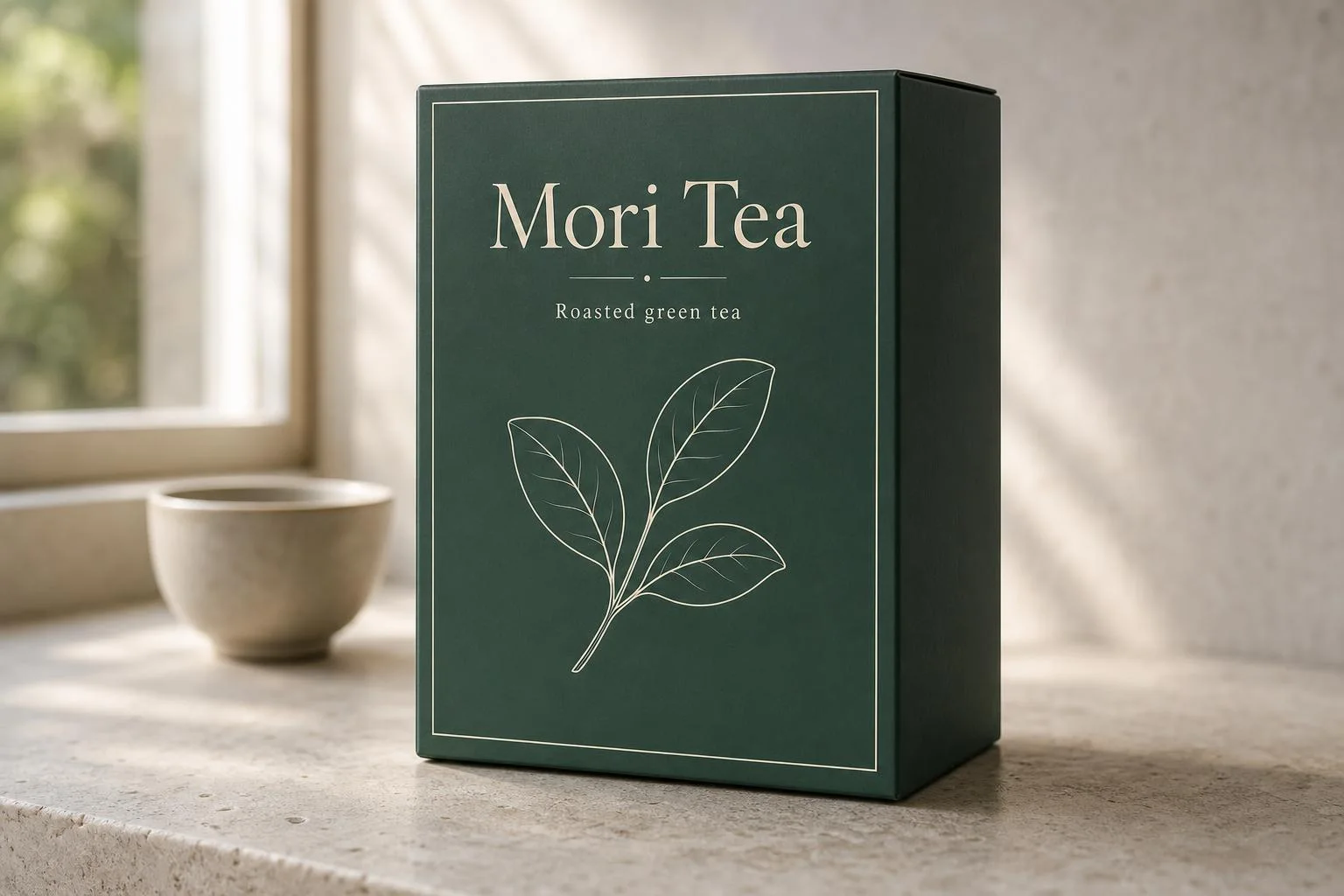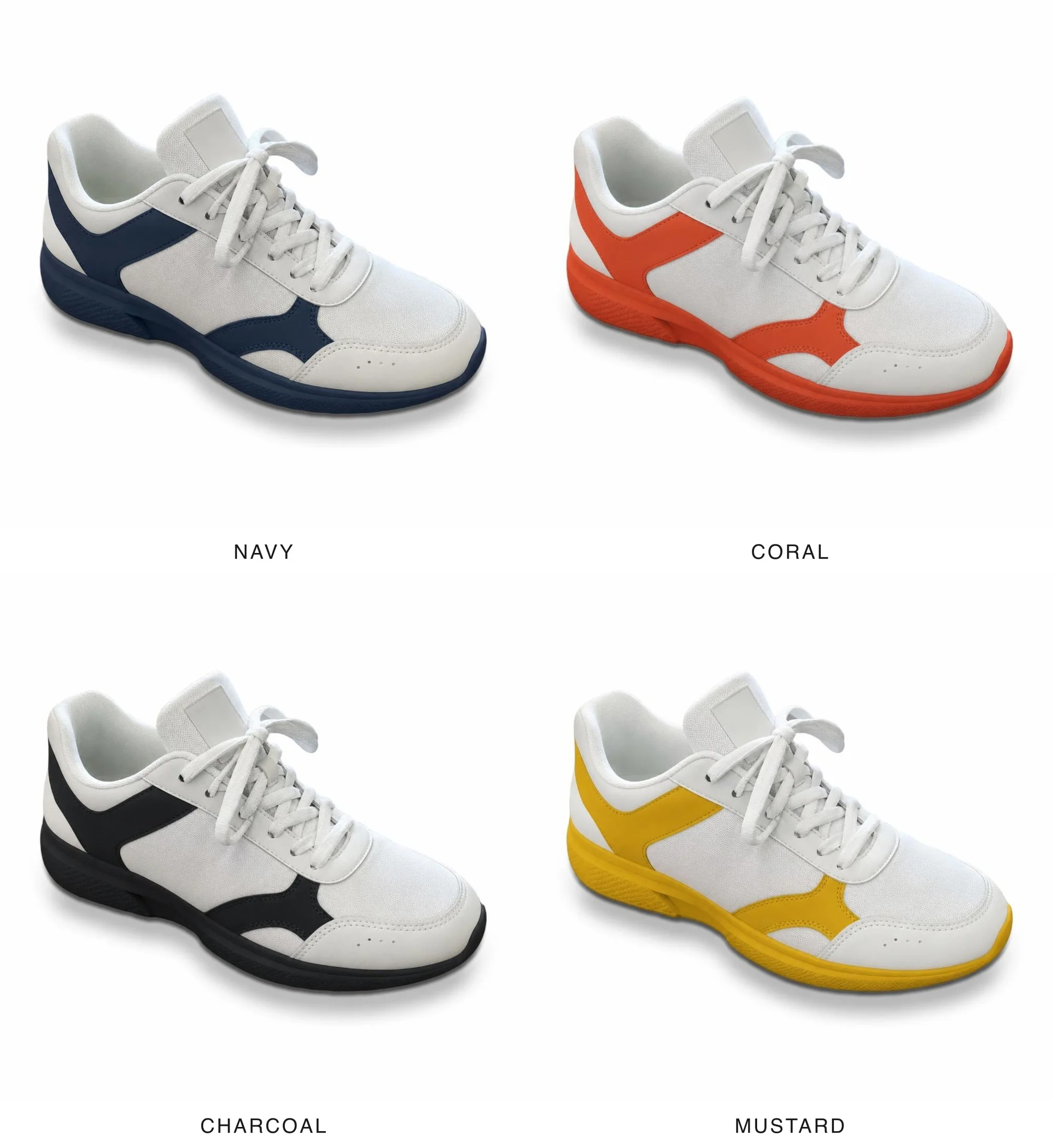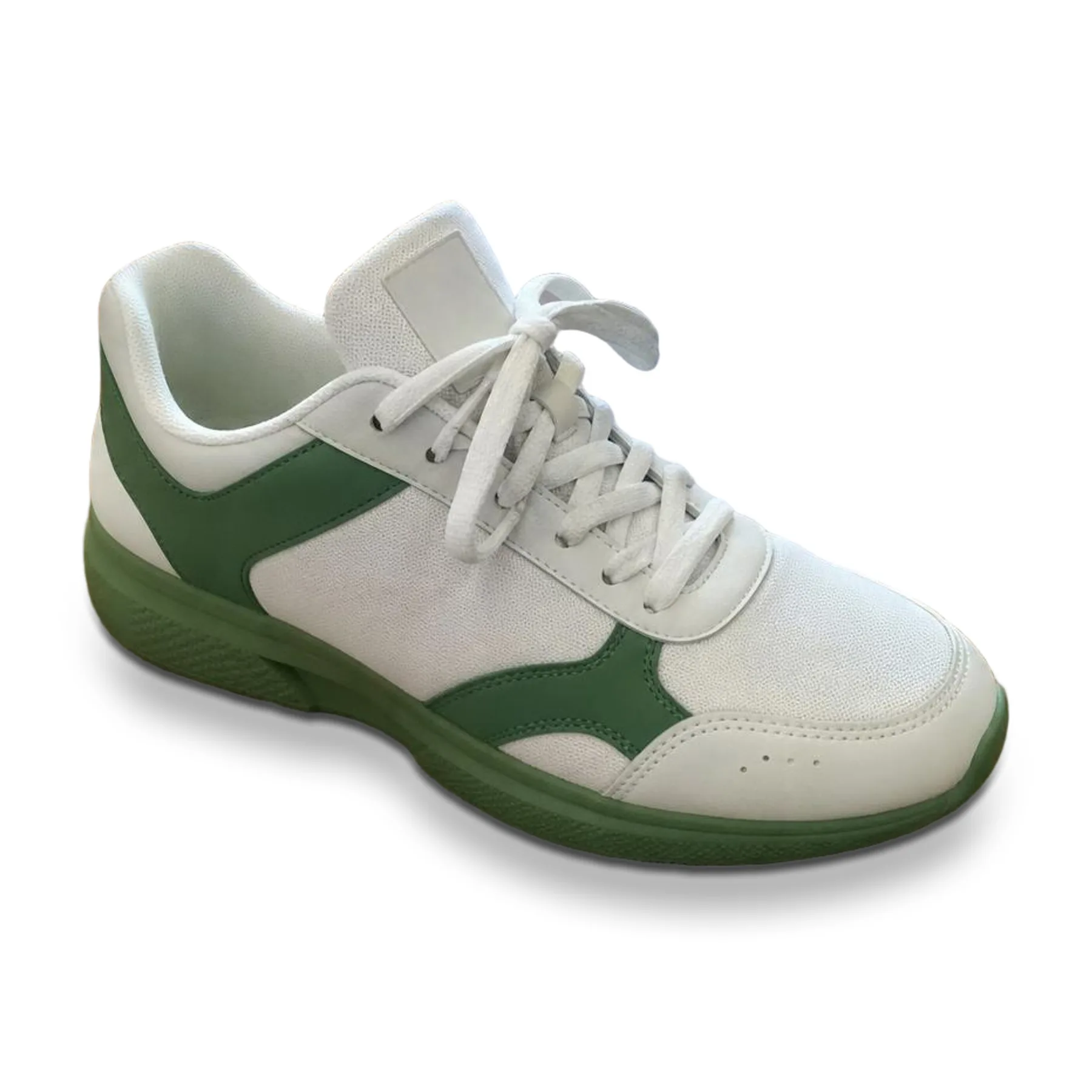
Studio product shot
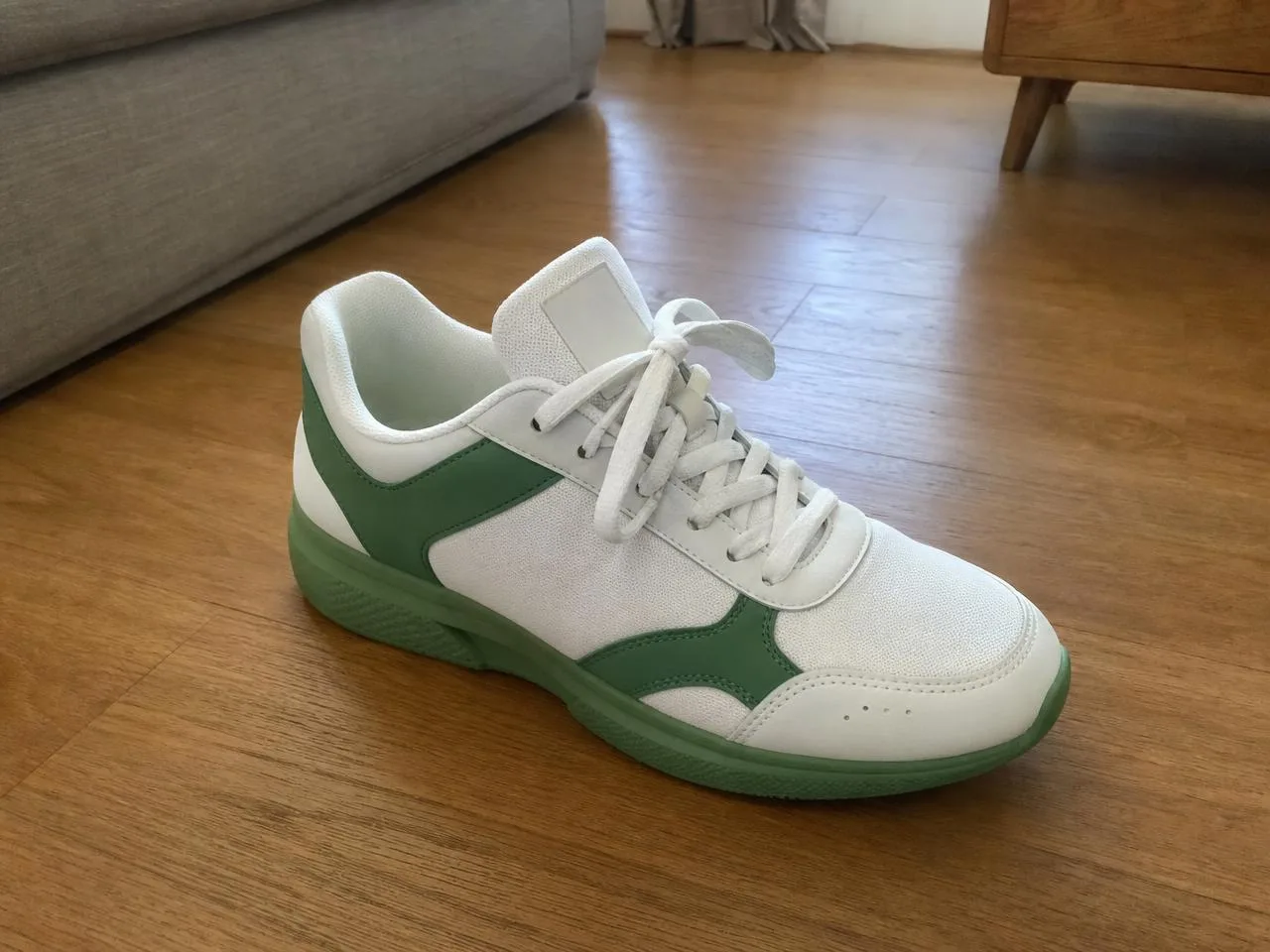
ImageProduct photos
Studio product shot
Turn any product photo into a clean, marketplace-ready shot on pure white.
Free. Works in Claude Code, Codex and Cursor.
How it works
What you bring
Product photo.
What your agent does
Your agent reads the Skill, runs its scripts on your machine and sends the request to an image model.
What you get
JPEG: 1:1 or 4:5, 2000 px, pure white.
Before you start
- You need
- Node.js 20.9 or newer (sharp needs it); run
npm install sharpin the Skill folder for compose-white.mjs and check-spec.mjs. A background-removal model; or your own FAL_KEY to call the one named in assets/generation-input.json. - Cost per run
- Background removal costs about one cent per photo on fal. Everything else runs locally for free.
- Makes
- Background removal (fal-ai/birefnet/v2) and local compositing, 1:1 or 4:5
- Version
- 1.0.0, updated 16 Oct 2026
History
- 1.0.0Current
- Made by
- Meleon AIOfficial, tested end to end
Install
mkdir -p ~/.claude/skills && curl -fsSL https://meleon.ai/downloads/studio-product-shot.zip -o /tmp/studio-product-shot.zip && unzip -o /tmp/studio-product-shot.zip -d ~/.claude/skillsThen ask Claude Code: /studio-product-shot my sneaker photo, square, for an Amazon listing
mkdir -p ~/.agents/skills && curl -fsSL https://meleon.ai/downloads/studio-product-shot.zip -o /tmp/studio-product-shot.zip && unzip -o /tmp/studio-product-shot.zip -d ~/.agents/skillsThen ask Codex: $studio-product-shot my sneaker photo, square, for an Amazon listing
mkdir -p ~/.cursor/skills && curl -fsSL https://meleon.ai/downloads/studio-product-shot.zip -o /tmp/studio-product-shot.zip && unzip -o /tmp/studio-product-shot.zip -d ~/.cursor/skillsThen ask Cursor: /studio-product-shot my sneaker photo, square, for an Amazon listing
Inside the Skill
10 files. Open any of them to read it before you install.